Augmented reality
Put the apartment on your table.
A 1:30 scale model on any table, or a room at full size around you. No app: point your phone, tap, walk around it.
A 1:30 scale model on your table or floor. Walk around it and look inside.
- Scale 1:30
- The whole apartment
- Table or floor
At a glance
AR for a project of your own.
Best for
Sales meetings, buyers deciding at home, and brochures or site boards with a QR code. Anywhere a plan alone does not make the space clear.
What you get
A scale model that stands on any table, and life-size rooms to walk through, on iPhone and Android, from a link or QR code. No app to install.
Made from
The same 3D model as the renders and the walkthrough, built by hand in Blender from your floor plan. Nothing is scanned or filmed.
Not a fit when
Someone needs to judge materials up close: an AR model is kept light so it runs on a phone, and renders show finishes far better.
Price
A fixed quote within one working day. Added to a walkthrough or renders it costs less, because the model already exists.
Two ways to see it
On the table, or all around you.
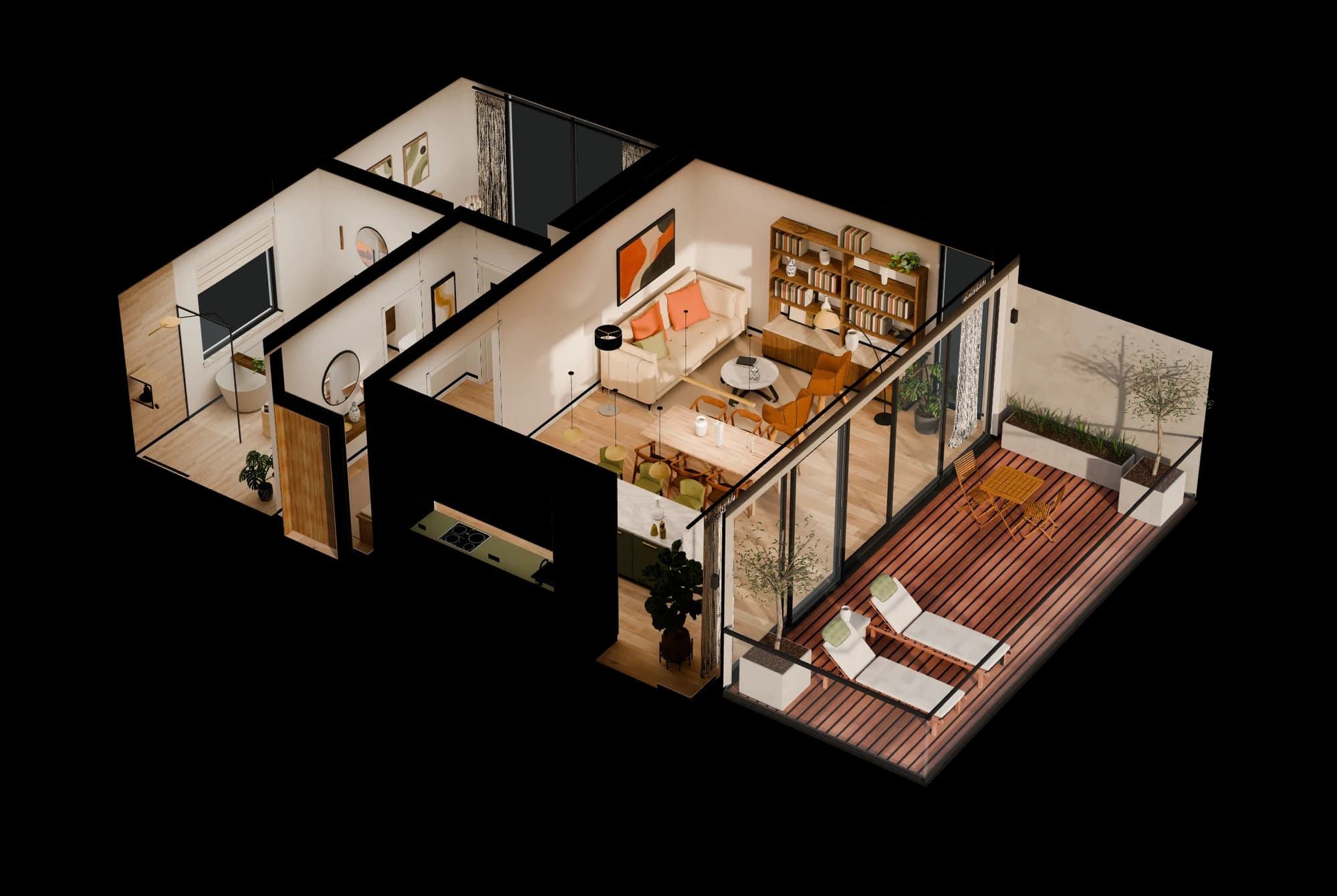
Tabletop model
The whole apartment at 1:30 on a table or the floor. Walk around it, crouch down and look into every room.
- Scale 1:30
- The whole apartment
- Table or floor
 1:1
1:1Life-size rooms
Stand in a room at 1:1: the living area, the bedroom, the bathroom or the terrace. Best with a few metres of free floor.
Pick a room
How it works
Three steps. About ten seconds.
Point at a table
Tap Open in AR and move your phone slowly over a table in good light. Wood grain or a placemat helps; glass does not.
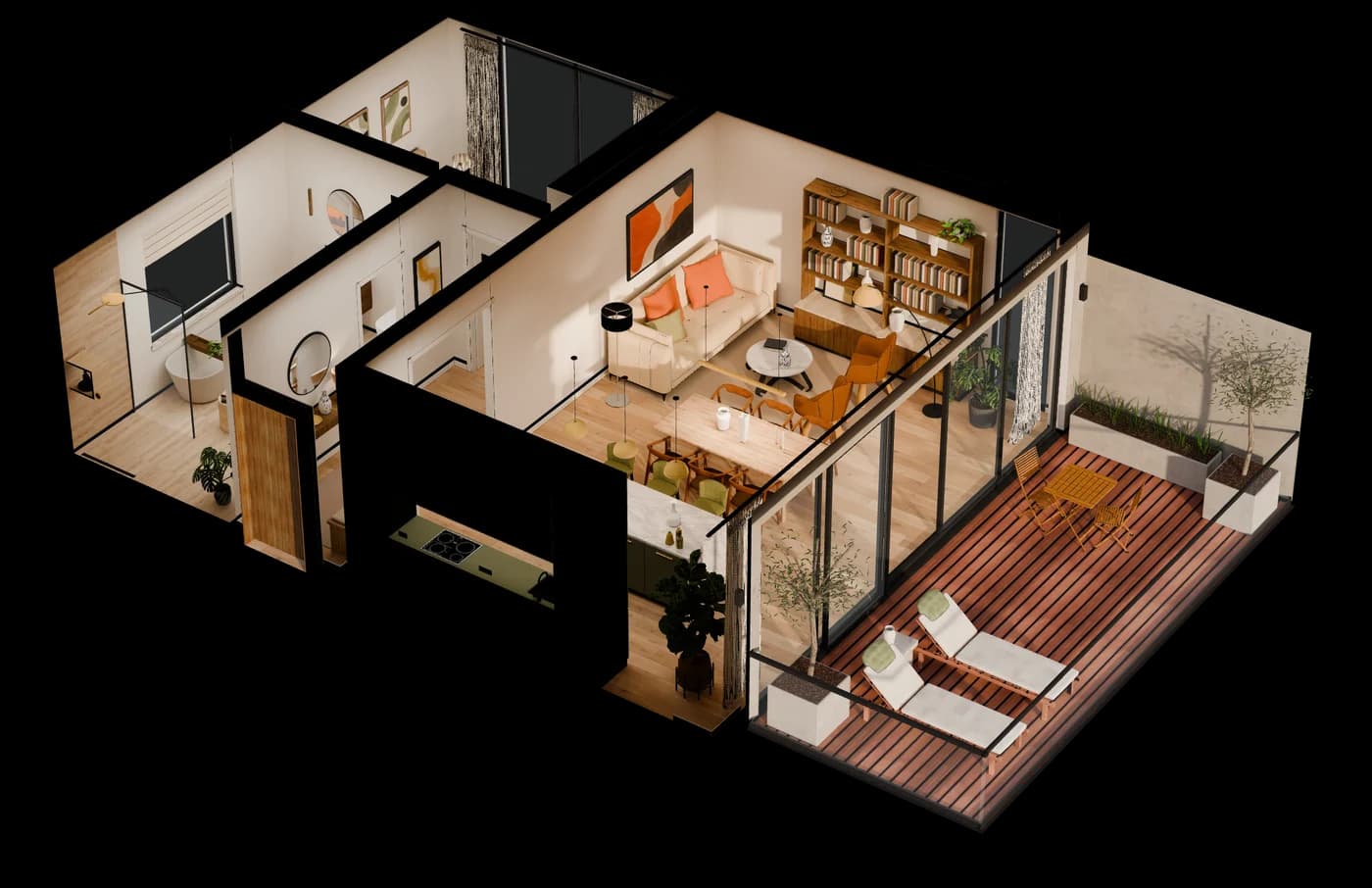
Tap to place
Once the surface is found, tap once. The apartment stands on your table and stays put.
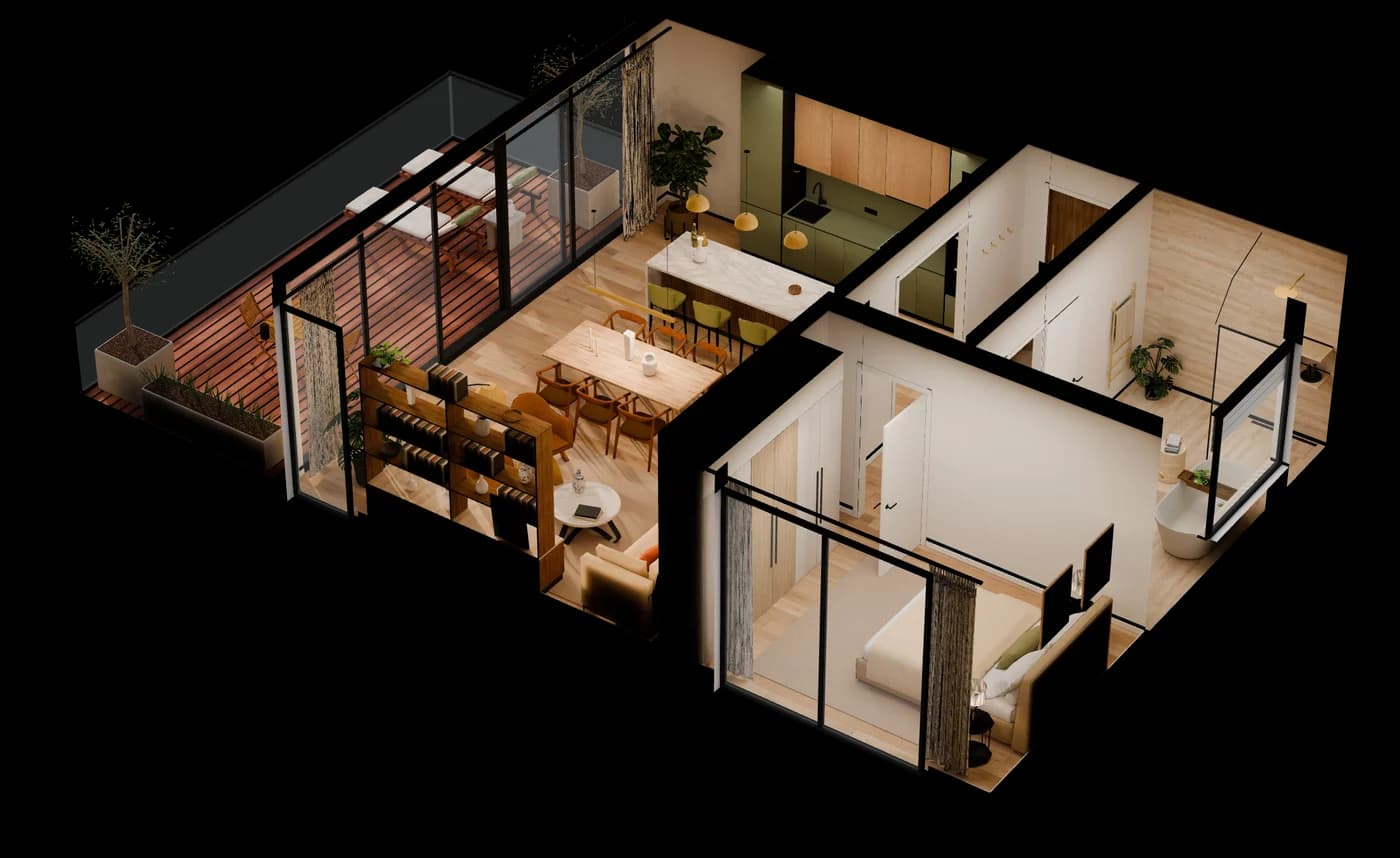
Walk around it
Lean in and look through the windows. Drag to move it, pinch to resize, twist with two fingers.
What it is for
The project on the table, before the first stone.
AR uses the same 3D model as your renders or walkthrough. Tell me about the project and get a fixed quote within one working day.
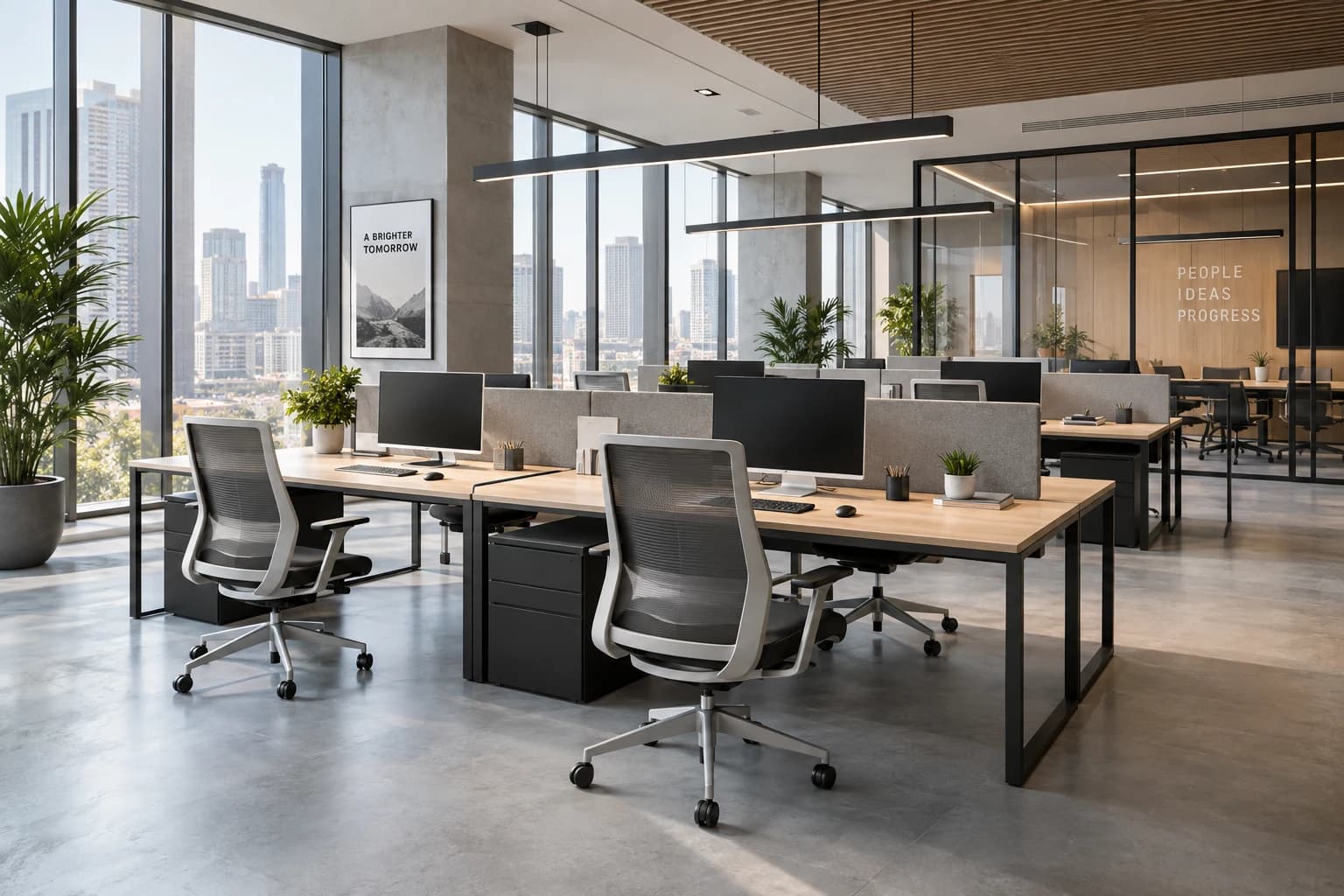
Sales meetings
Put the building on the table in the sales office and walk around it with the buyer. Every question gets an answer you can see.
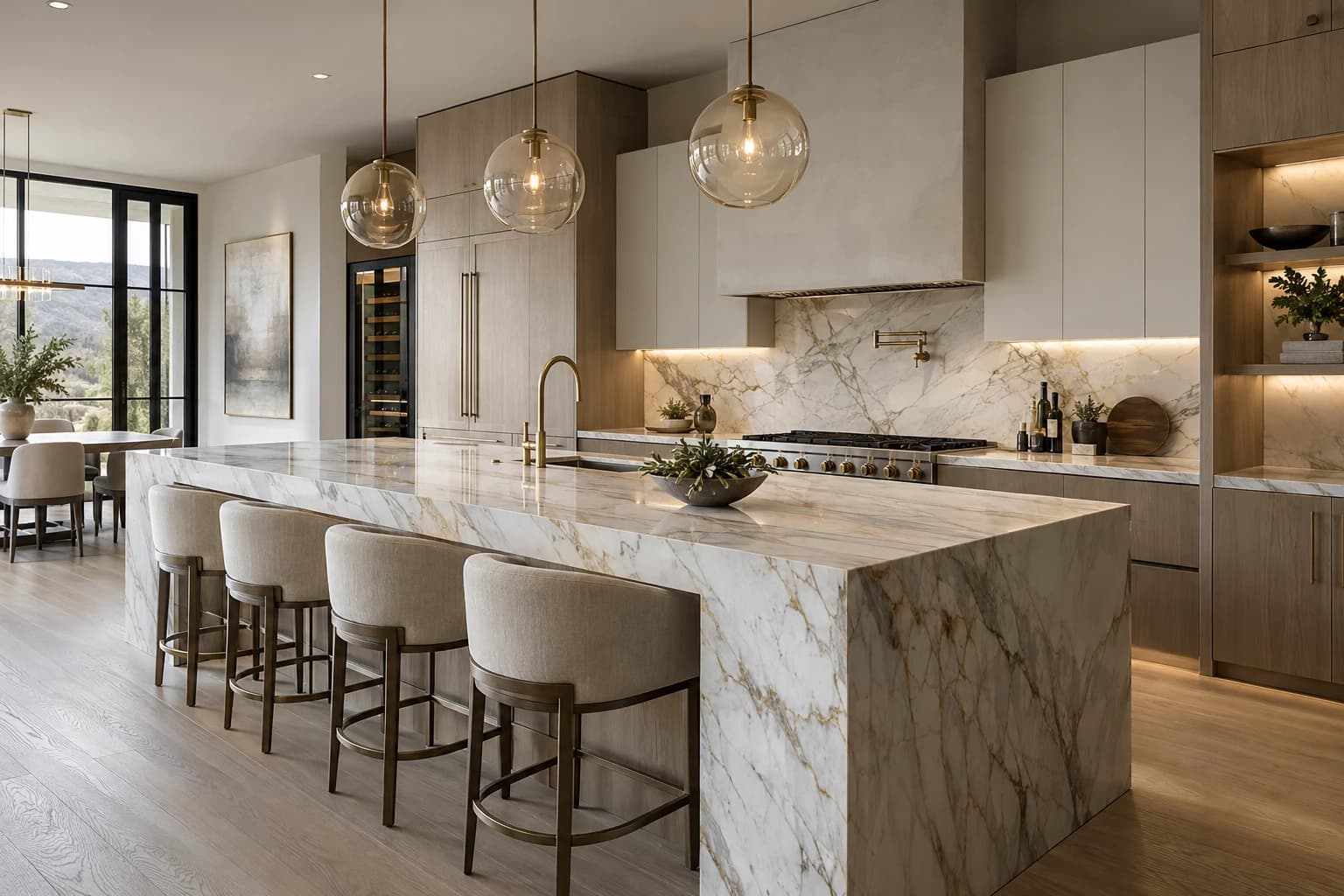
Buyers at home
Send one link. Buyers place the apartment on their own kitchen table and show it to the family.

Brochures and site boards
A QR code on a brochure or a hoarding opens the model straight in AR. No app, no account.
Try it now
Your table is right there.
Open the model, point your phone at a table and tap.
No phone at hand?
Walk through the same apartment.
The 3D tour shows every room at eye height, in any browser, on a computer too.