Live 3D walkthrough
Walk in before it is built.
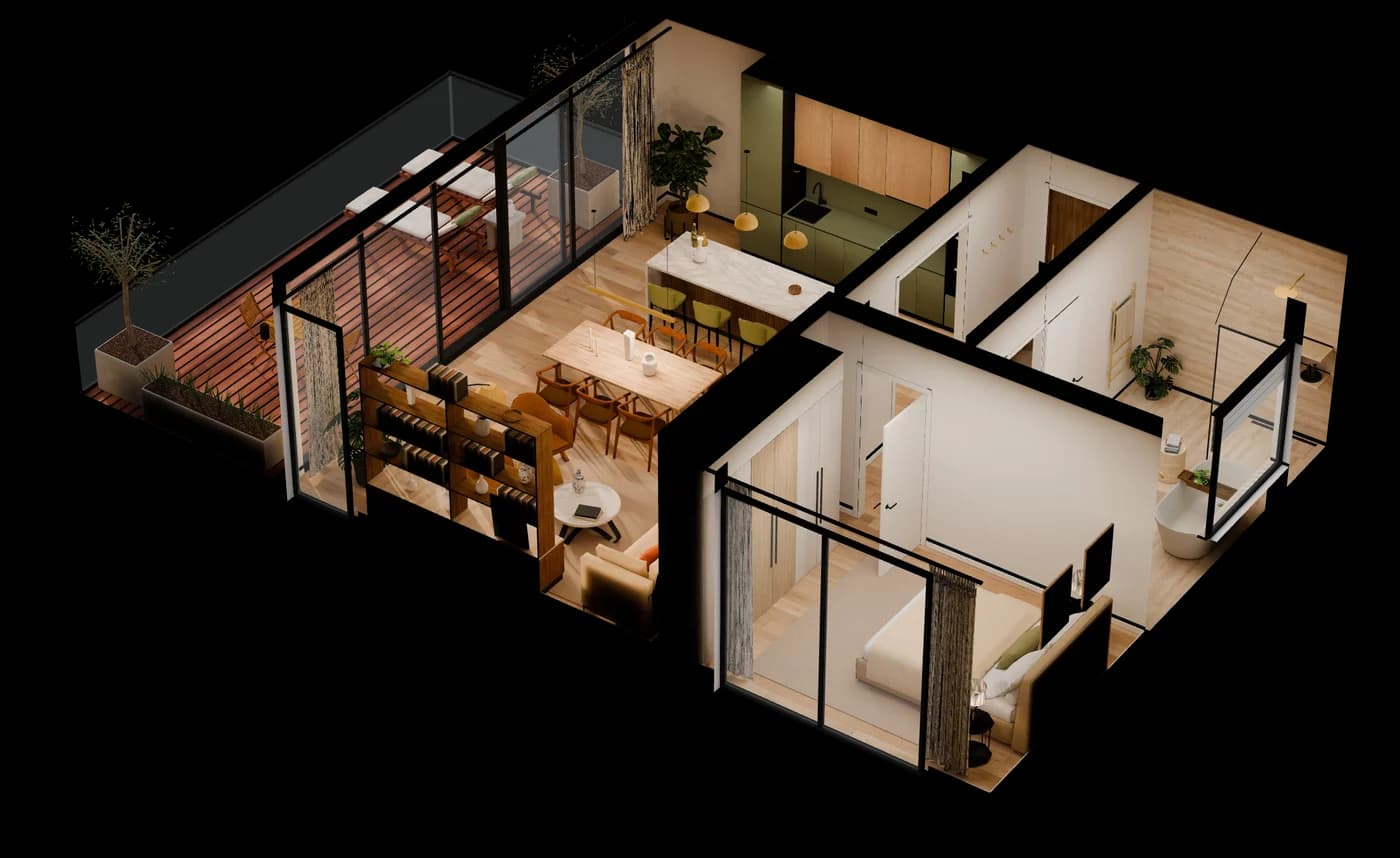
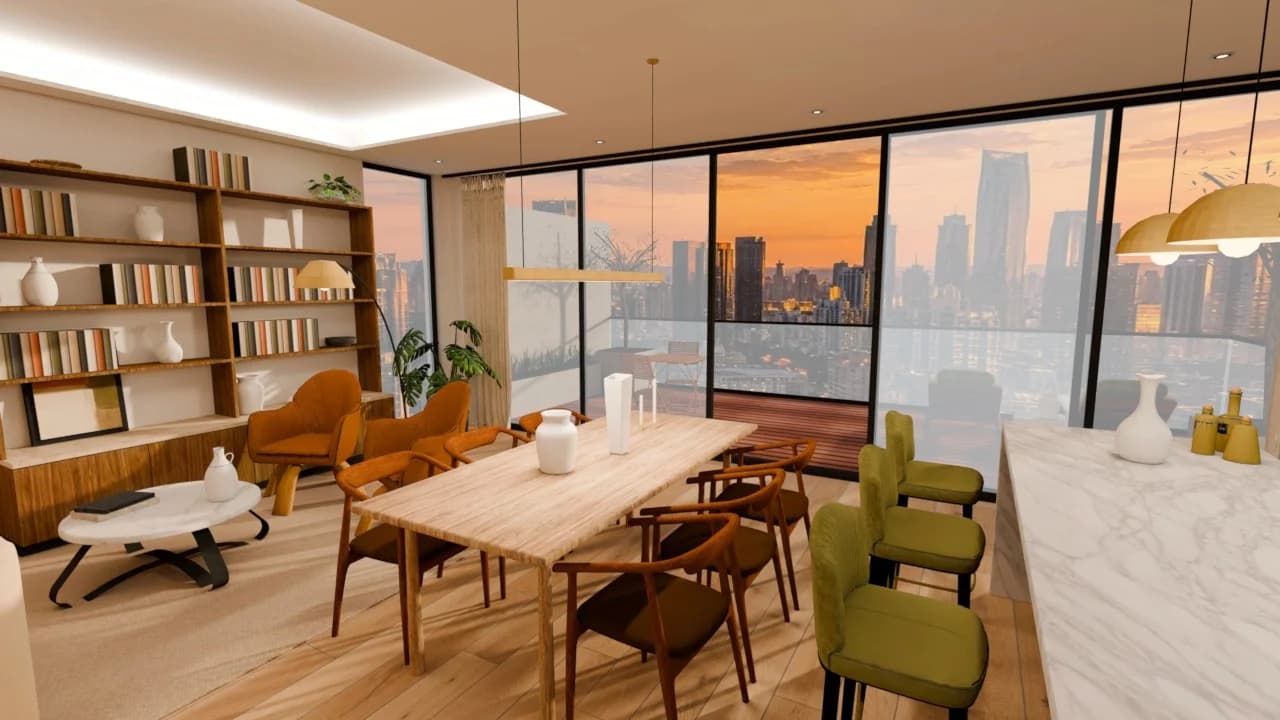
No 360 camera, no scan: this apartment was built from its floor plan, then modelled and lit in Blender. Follow the guided tour or walk it freely.
Start the walkthrough
Mouse to look, WASD to walk, Shift to run.
At a glance
A walkthrough of your own project.
Best for
Developers and estate agents selling apartments or houses on plan, from a single unit type to a whole building in phases.
What you send
Floor plans and sections as PDF, or a Revit, Archicad, SketchUp or Rhino model, plus the finish choices. Nothing has to be built yet.
What you get
A link that opens in any browser on phone or desktop: a guided tour room by room and free walking. The same model also makes the renders and an AR version.
Timing
Planned back from your launch date. A grey block-out comes first, so the layout is agreed before light and materials; the quote states the delivery date.
Not a fit when
The home already exists and is furnished: a 360° tour shot on site is quicker and cheaper.
Price
A fixed €2,000 for the walkthrough, no surprises. Ordered with renders, it shares their 3D model.
How it is built
Built from a floor plan, room by room.
Floor plan
It starts from your floor plan, not a 360 camera. The building does not have to exist yet: buyers walk through it before the first stone is laid.
Model
Every wall, cabinet and door handle is modelled in Blender. No stock furniture.
Texture
Oak, marble, travertine and linen are set up as physically based materials, then baked into image textures.
Light
Daylight and lamps are path traced in Cycles and baked into every surface, so it runs smoothly on a phone.
Is this a 360° tour? No. See the difference
Next step: AR
Now put it on your table.
The same apartment as a 1:30 model in your room, through your phone camera. Ready in ten seconds.