Process, step 01
It starts with a block-out.
Before any material is chosen, I rebuild your plans in Blender as a plain grey model. We walk through it on a call and agree on rooms and camera angles. Only then do I light and render. Below is a real block-out: spin it, switch on the materials, then fly into a room.
Hold Ctrl or Cmd and scroll to zoom
Two fingers to spin
Step 01 to step 04
Same camera. Block-out to final.
Drag the slider. On the left is the grey block-out frame we sign off together, on the right the render you receive. Geometry and camera stay fixed. Only light and materials change. Already have a model? Send the Revit, Archicad, SketchUp or Rhino export and we start at step two.
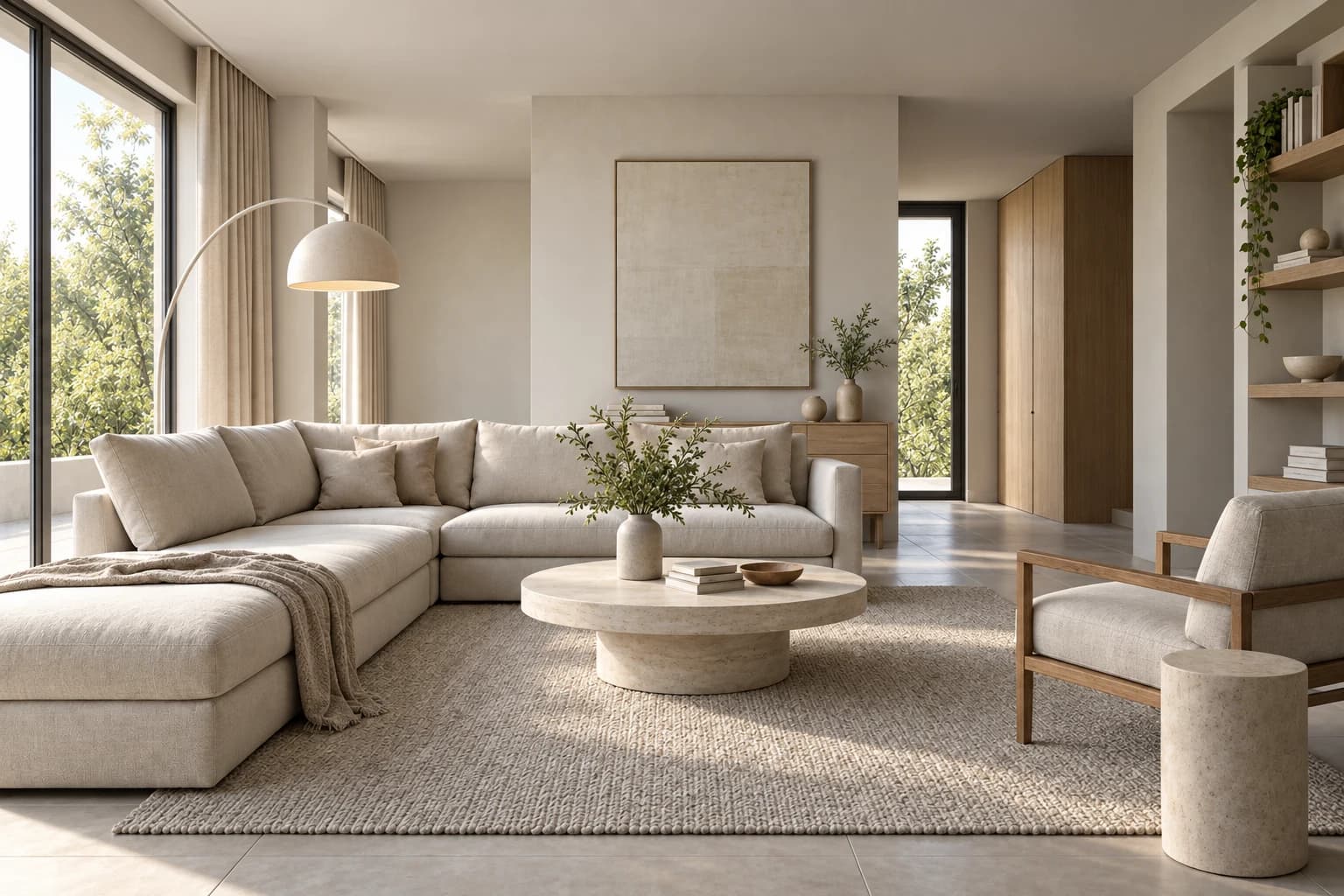
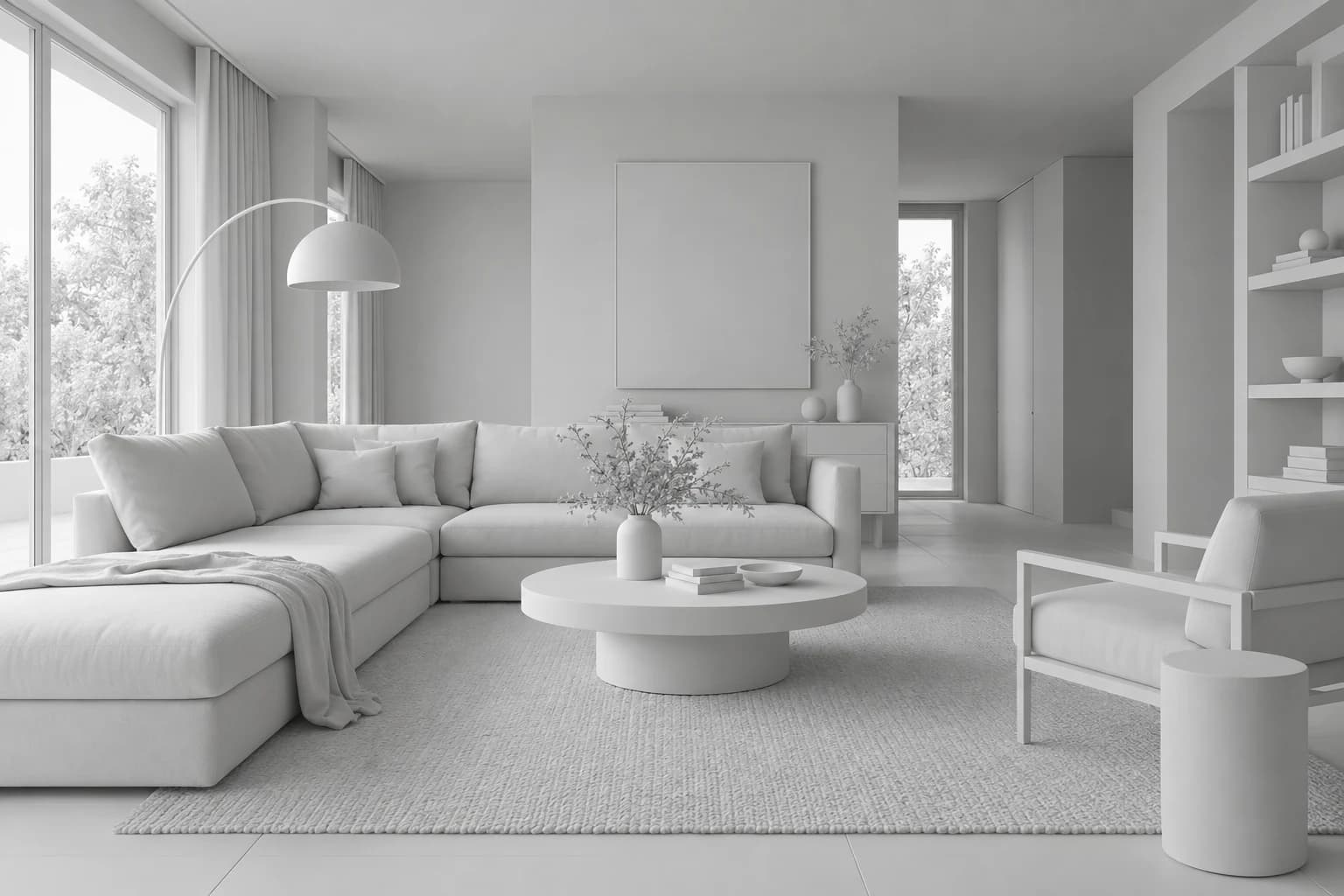
Block-out to final, as a film
Clay first, then materials and light.
One room, taken from bare concrete through wireframe and clay to finished materials, then into the night over the city. Every project follows this order.
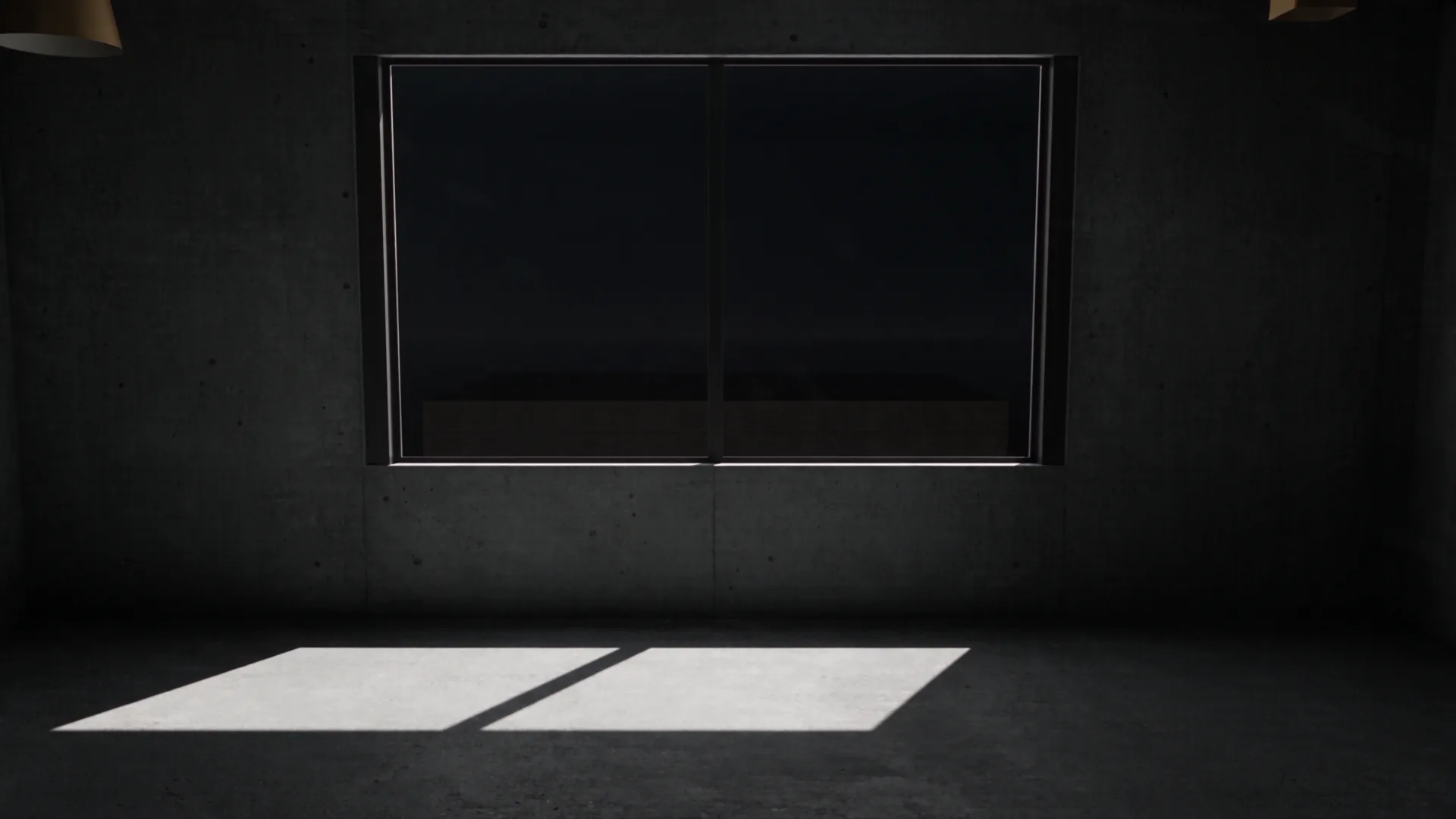
After the block-out
Block-out
I rebuild your plans in 3D. We walk through the model on a call and agree on rooms and shots.
Cameras
You get a grey preview frame of every shot. You choose, and I lock the cameras.
Light and materials
I apply your finish schedule in Blender and light each room for the right time of day.
Render or walkthrough
Path-traced stills, a film, or a real-time 3D walkthrough you share as a link.